Testing Inline Images in Blog Posts
InvoGuide Team 1 min read

This post demonstrates the InlineImage component with various sizes and configurations.
Full Width Image (Default)
Here’s an image at full content width — no size prop needed since “full” is the default:

Text continues normally after the full-width image.
Medium Size with Caption
A 75% width image with a descriptive caption underneath:
Small Size Image
A compact 50% width image, centered:
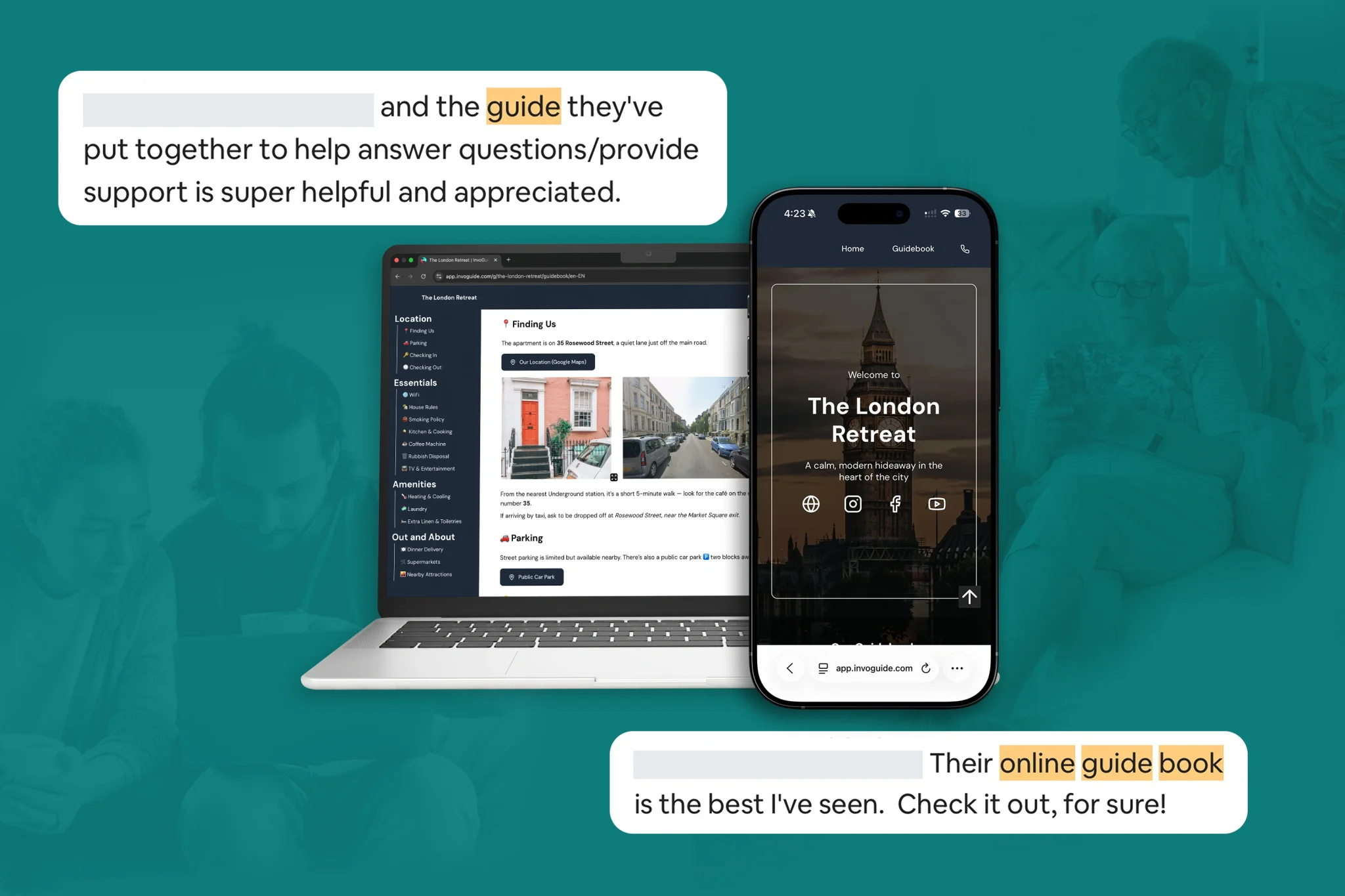
Multiple Images Together
Several images in sequence to test spacing:



Wrapping Up
That covers the different size options (small, medium, full), with and without captions, and various image formats (WebP, PNG). Everything should render with proper spacing and responsive sizing.