
Product Help
How to embed YouTube videos in your guidebook
Add a YouTube video to your guidebook with Add Element, then Save & Publish. No limits, even on the free version.
Yasasi Jayasinghe 2 min read
Setup guides, troubleshooting, and answers to common questions.
Add a YouTube video to your guidebook with Add Element, then Save & Publish. No limits, even on the free version.

Add a Background Image to your guidebook's home page. Drag and drop, crop to fit, and upload. Free on every tier.

Everything you can change in your InvoGuide guidebook, from signing in to sections, images, translations, QR codes and printouts.

Turn on Enable translations in the Style & Translations Step, pick your languages, and publish on the Global tier.

Publish your guidebook from the Review panel, choose a plan, and get a sharing link for your guests. Free digital guidebooks, forever with InvoGuide.

Copy your Published guidebook link and add it to Airbnb quick replies so every guest gets it automatically. Free with InvoGuide.

Reorder, move, duplicate, hide, and delete sections and elements from the Action bar in your Guidebook panel. Free, unlimited guidebooks.

Delete Sections you no longer need or hide them temporarily, then Save & Publish. Free unlimited guidebooks, forever.

Set up your Home page in InvoGuide: add your Property Name, Property Tagline, contact and emergency details. Start free with unlimited guidebooks.

Move any element into a different section with the Move button. See it update live in the preview pane. Unlimited free guidebooks, forever.

Reorder elements inside a section by dragging them into place, then Save & Publish. Free unlimited guidebooks, forever.

Switch your premium plan between Monthly and Yearly using Cancel Subscription & Unpublish, then Publish again.

Download your guidebook as a PDF from your dashboard once it's published, ready to print. Create unlimited free guidebooks with InvoGuide.
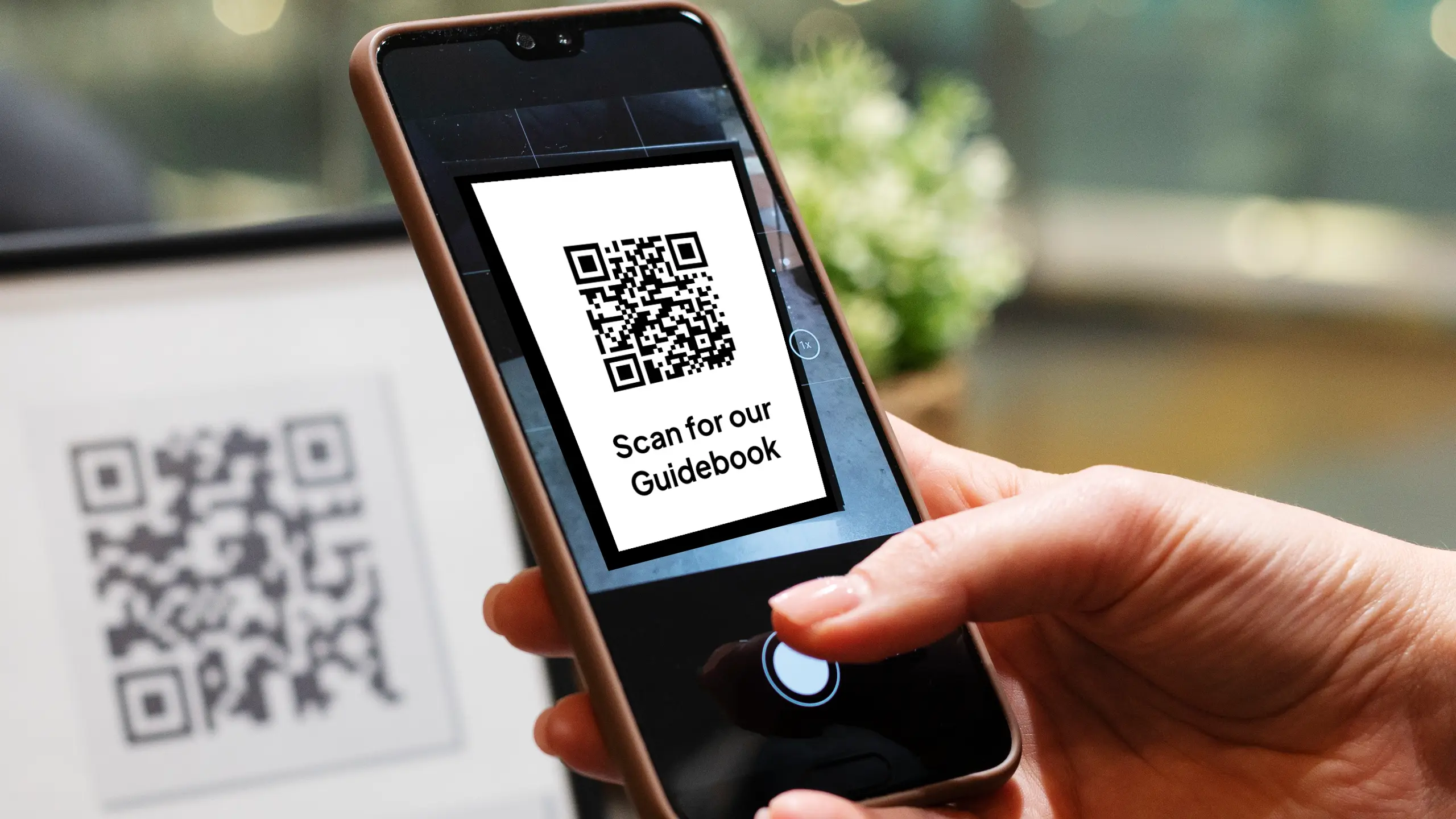
Publish your guidebook, hit Share, then Download QR code. Print or share it so guests scan straight to your guidebook. Free with InvoGuide.